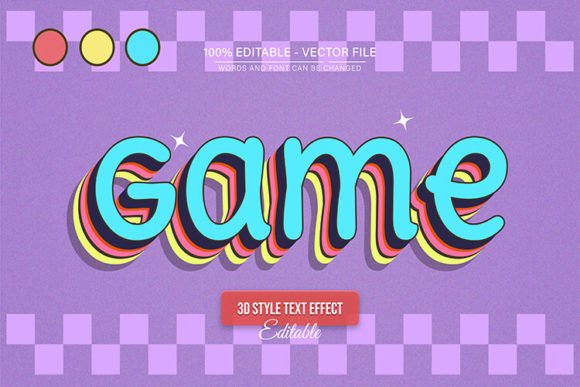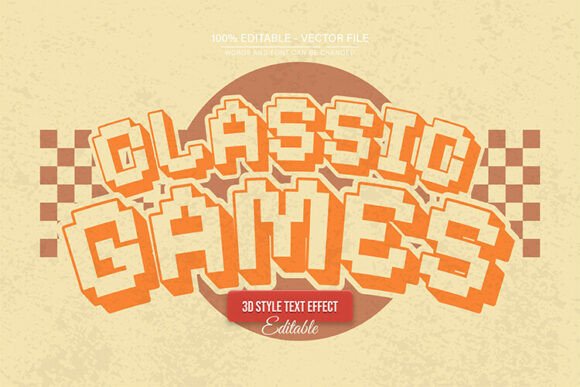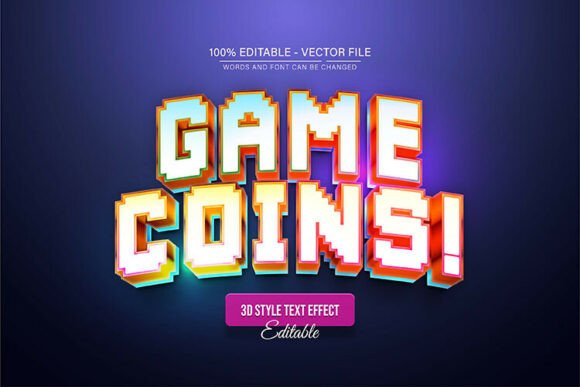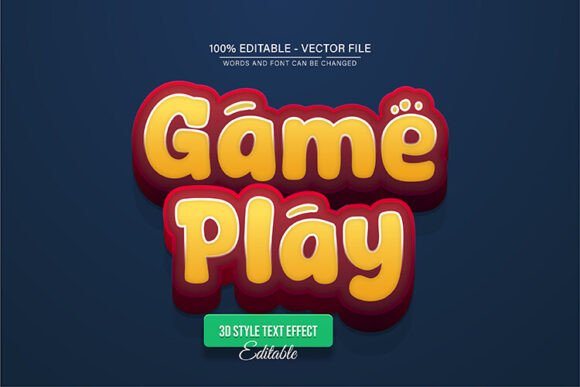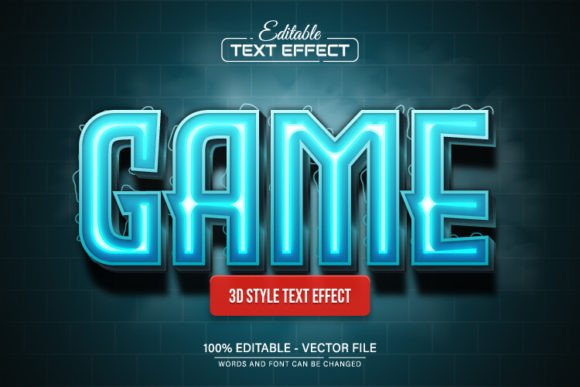
Game Blue Glowing Neon 3D Text Effect
Imagine your next project title illuminated with the electric energy of a futuristic arcade. The Game Blue Glowing Neon 3D Text Effect is a fully editable vector design that brings a vibrant, high-impact aesthetic to any creative work. Built for Adobe Illustrator, this asset allows you to scale your text to any size without sacrificing the crisp, glowing quality that defines its look. Whether you are designing a logo, a poster, or digital content, this effect provides a polished, professional finish that captures attention instantly.
This design asset is more than just a static image. It is a 100% editable vector, meaning you have complete control. The package includes both EPS and JPG files, giving you flexibility across different software and workflows. The text is fully editable, so you can type any word or phrase and watch it transform into that stunning blue neon glow. You are not locked into a single color either. With unlimited color variations available through simple edits in Illustrator, you can match the effect precisely to your brand palette or project theme. No advanced design skills are required, making it accessible for both seasoned professionals and enthusiastic beginners.
Creative Applications and Design Flexibility
The true value of a premium font or text effect lies in its versatility. The Game Blue Glowing Neon 3D Text Effect shines in a variety of contexts. Consider using it for:
- Logo and Brand Identity: Create a memorable mark for a tech startup, gaming channel, or entertainment brand that needs a modern, energetic vibe.
- Poster and Event Design: Make concert posters, festival announcements, or club night flyers pop with a luminous, eye-catching headline.
- Social Media Graphics: Design scroll-stopping YouTube thumbnails, Instagram stories, or Twitch banners that demand engagement.
- Packaging and Merchandise: Add a futuristic edge to product labels, apparel designs, or gaming accessory packaging.
- Web and UI Design: Use it for hero section titles or call-to-action buttons on websites and apps aiming for a sleek, digital feel.
Its 3D depth and glowing effect make it particularly suitable for projects related to technology, gaming, nightlife, music, and futuristic themes. It acts as a powerful display typeface that can set the entire mood for a design layout.
Tips for Using This Text Effect
To get the most out of this design asset, a few practical steps can help. First, always open the EPS file in Adobe Illustrator CS or a higher version to ensure full editability. Use the Type Tool (T) to click directly on the text and input your own words. Experiment with the color sliders to find the perfect shade of blue or switch to a completely different hue like pink, green, or purple for a new aesthetic.
When incorporating it into a larger project, think about font pairing. A bold, glowing display effect like this pairs well with clean, simple sans-serif fonts for body text, ensuring readability while maintaining visual hierarchy. Test the effect at the size you intend to use it—its vector nature guarantees it will look sharp on a tiny business card or a massive billboard.
Choosing the right design assets is about finding tools that enhance your creative vision while offering practical flexibility. The Game Blue Glowing Neon 3D Text Effect delivers on both fronts. It provides a unique, high-quality visual that can elevate your work, save you hours of manual creation, and help you achieve a consistent, professional look across various media. For designers looking to inject energy and modernity into their typography, this effect is a valuable addition to any toolkit.