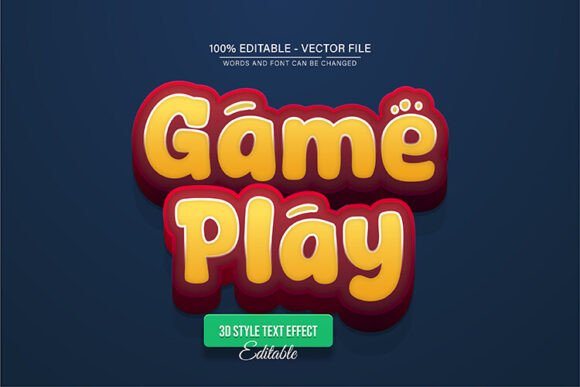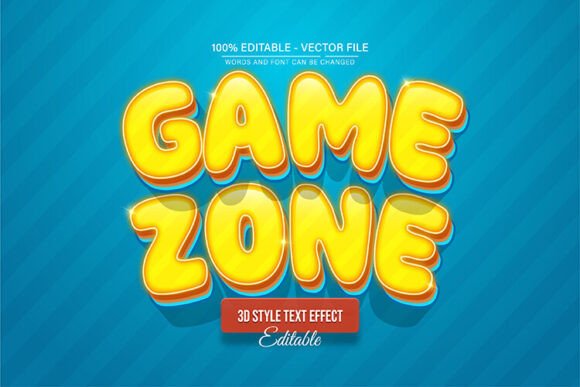
Yellow Game Zone 3D Text Effect for Impactful Designs
Capturing attention in a crowded digital space often starts with a bold visual statement, and the Yellow Game Zone 3D Text Effect is crafted to do exactly that. This is a fully editable vector design asset, meaning you can scale it to any size in Adobe Illustrator without ever losing quality. It’s a versatile tool for creators looking to add depth, energy, and a professional polish to their projects.
Imagine needing a headline that pops for a gaming event poster, a logo with a dynamic feel for an esports team, or eye-catching social media graphics that stop the scroll. This 3D text effect is built for those scenarios. Its vibrant yellow palette and dimensional style inject instant excitement and modern appeal, making it ideal for designs that need to communicate fun, competition, or cutting-edge style.
Practical Applications for Dynamic Typography
The true value of a design asset like this lies in its adaptability. Consider how it can elevate various creative endeavors:
- Brand Identity & Logos: Craft a memorable logo for a gaming studio, tech startup, or youth-oriented brand that stands out.
- Poster & Event Design: Design promotional materials for tournaments, product launches, or music festivals with a powerful, energetic focal point.
- Social Media & Web Graphics: Create scroll-stopping posts, channel banners, or website headers that boost engagement and visual consistency.
- Packaging & Merchandise: Apply the effect to product labels, apparel designs, or merchandise to create a premium, collectible feel.
- Digital Products & Editorial Layouts: Enhance the cover of an ebook, a magazine spread, or a presentation with typography that commands attention.
Because the text is fully editable, you’re not locked into the original phrase. You can customize it to say anything you need, ensuring it fits your project’s specific message while retaining that signature 3D impact. The download includes both EPS and JPG formats, offering flexibility for different workflows and applications.
Tips for Effective Font and Effect Selection
Choosing the right creative font or text effect is more than just picking something that looks cool. To ensure it works harmoniously within your design, consider these points:
First, always check readability. A stunning 3D effect is useless if the audience can’t quickly decipher the words. Test it at the size you intend to use. Next, match the mood. The playful, bold nature of a yellow 3D effect suits energetic and modern themes but might clash with a minimalist, corporate report. Think about font pairing; combining this display-style effect with a clean, simple sans-serif font for body text often creates a balanced and professional hierarchy.
Review the available features. The ability to change colors and edit every vector point in Illustrator is crucial for tailoring the asset to your brand’s exact color scheme or a client’s guidelines. Finally, confirm the license aligns with your intended use, whether for personal projects or commercial client work. A well-chosen font or effect strengthens brand recognition, improves visual consistency, and signals a polished, professional approach to your audience.
Investing in thoughtfully designed typography and text effects is investing in the clarity and impact of your communication. It’s a foundational element that can transform a good design into a great one, helping your projects not only be seen but also remembered.