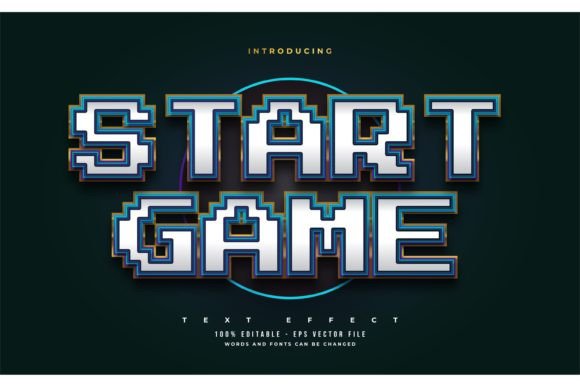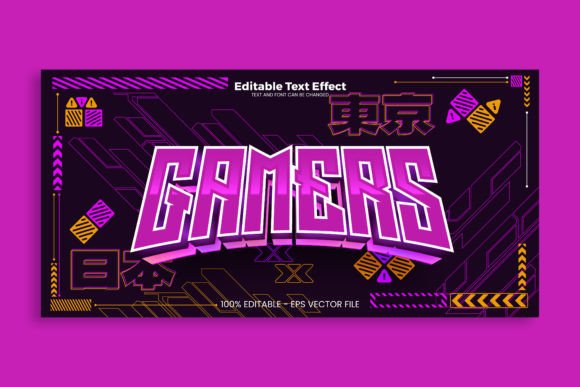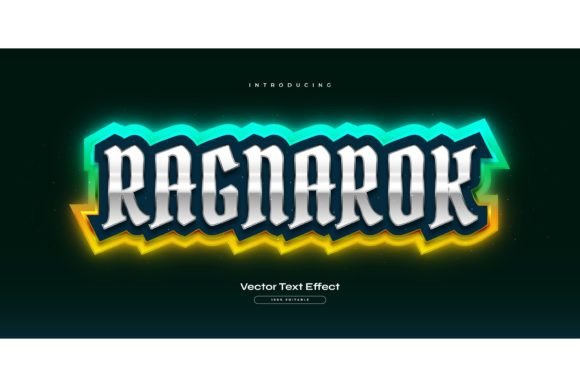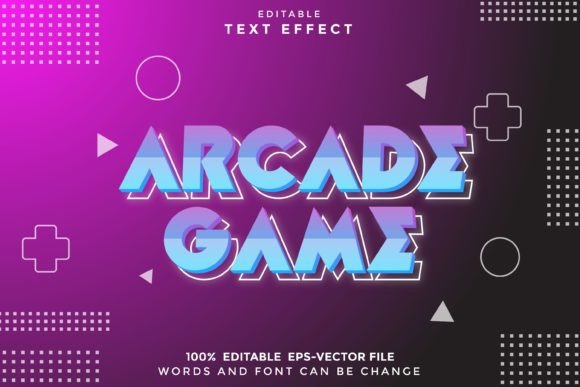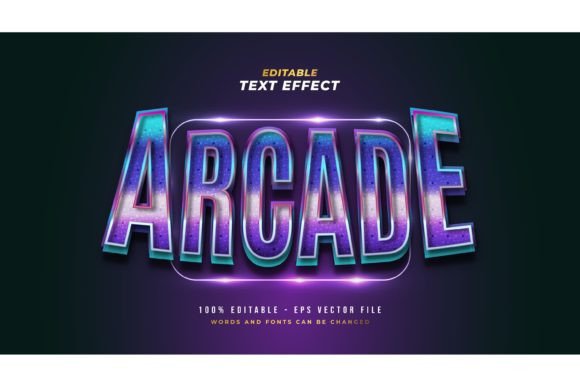
Arcade Text: Retro and Game Style Design
There's an instant rush of nostalgia when you see it—the bold, pixel-perfect lettering of classic arcade cabinets. Capturing that vibrant, 8-bit energy for modern projects is easier than you think, especially with a versatile design asset like the Arcade Text in Retro and Game Style. This isn't a static font file; it's a fully editable Adobe Illustrator text style effect, giving you the authentic look of retro gaming with complete creative control.
What Exactly is This Design Asset?
Think of it as a shortcut to professional-quality typography. This package provides a pre-styled text effect that you can apply to any word or phrase. The key advantage is its 100% editable nature. You are not locked into a single typeface. You can change the words, swap the font to any other from your library—whether it's a bold sans serif, a quirky script, or a clean modern typeface—and adjust the size, color, and effect parameters. The included EPS and high-resolution JPG preview make it easy to integrate into your workflow, whether you're a seasoned designer or just starting out.
Creative Projects That Come to Life
The retro game style is incredibly versatile, extending far beyond literal gaming projects. This effect can add a punch of personality and visual interest to a wide range of designs.
- Logo & Brand Identity: Create a memorable logo for a tech startup, a retro-themed café, a podcast about pop culture, or a gaming community. The style immediately communicates fun, energy, and a touch of nostalgia.
- Poster & Packaging Design: Design eye-catching posters for events, movie nights, or band merchandise. It's also perfect for product packaging for snacks, energy drinks, or any brand targeting a youthful, dynamic audience.
- Social Media & Web Graphics: Make your Instagram stories, YouTube thumbnails, or website banners stand out. The bold style is optimized for digital screens and grabs attention in a fast-scrolling feed.
- Merchandise & Invitations: Apply the effect to t-shirt designs, sticker sheets, or party invitations for a unique, custom-made feel that recipients will love.
Tips for Choosing and Using Your Font Effect
To get the most out of a design asset like this, keep a few practical considerations in mind. First, always test readability. While the style is bold, ensure your final text is clear at the intended size, especially for smaller applications like web buttons. Matching the mood is crucial—the energetic, pixelated vibe is perfect for projects that need to feel exciting, youthful, or retro, but might not suit a formal corporate report.
Experiment with font pairing to create hierarchy. Try using the Arcade Text effect for a headline and pair it with a clean, simple sans serif font for body text. This contrast makes your design more readable and visually structured. Finally, review the license to ensure it covers your specific use, whether for personal projects or commercial client work. A well-chosen, high-quality design asset is an investment that pays off in professionalism and visual impact.
Ultimately, the right typography does more than just display words—it sets a tone, tells a story, and builds recognition. A resource like this Adobe Illustrator text style effect provides a flexible foundation to explore creative ideas, helping you produce polished, engaging designs that resonate with your audience. It’s a powerful tool for anyone looking to inject some dynamic, retro-inspired character into their visual projects.