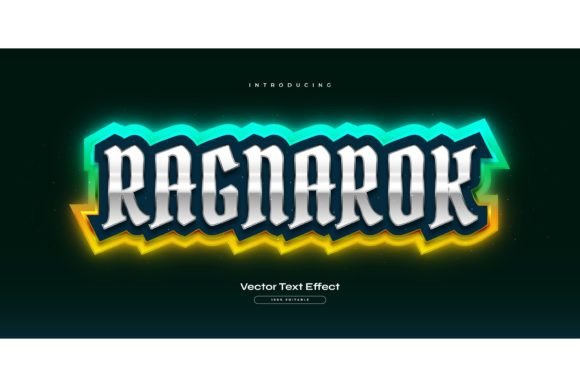
Ragnarok Text: Glowing Game Style Typography
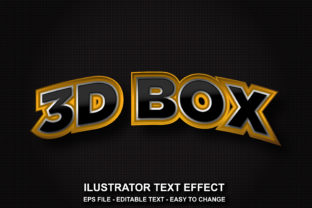
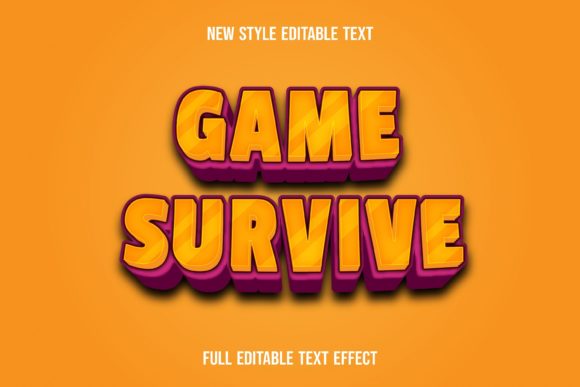
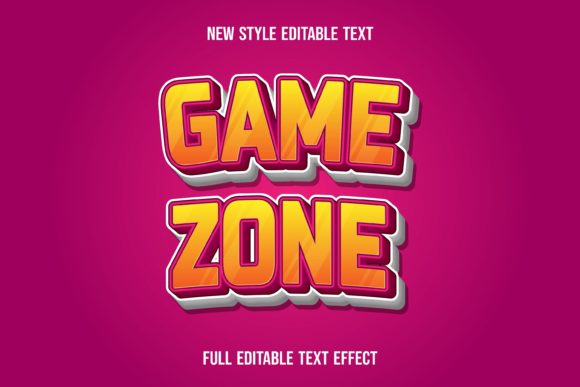
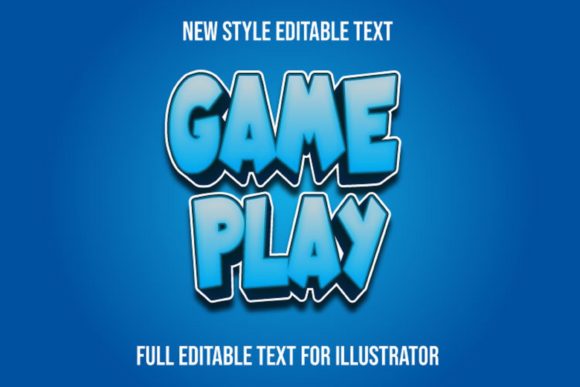
If you've ever wanted to give your designs the electrifying energy of a fantasy game or a cinematic title sequence, the right font effect can make all the difference. The Ragnarok Text with Glowing Game Style is a dynamic text effect that brings a powerful, luminous aesthetic to any project. It's not a traditional font you install, but a versatile Adobe Illustrator template designed to apply a stunning, customizable glow and stylistic treatment to any word or phrase you choose.
This design asset is built for flexibility. Because it's 100% editable, you have complete control over the words, fonts, size, and effects. Simply click and change the text to fit your vision. The included EPS and high-resolution JPG preview files make it easy to integrate into your workflow, whether you're working in Illustrator or need a quick visual for a presentation. It's an ideal solution for creating standout display typography without spending hours on manual effects.
Creative Projects That Shine with This Effect
The glowing, game-inspired style is perfect for projects that need to capture attention and convey excitement. Think about the visual language of popular RPGs, action movie posters, or tech branding. This effect can elevate a simple logo design into a memorable brand identity mark. It's particularly effective for:
- Gaming and Esports: Creating logos, stream overlays, event posters, and merchandise for teams, tournaments, or YouTube channels.
- Poster and Editorial Design: Crafting eye-catching headlines for magazine covers, book titles, or event flyers that demand a bold, modern typography statement.
- Social Media and Web Design: Designing engaging thumbnails, banners, and promotional graphics that stand out in a crowded feed and enhance your web design aesthetic.
- Branding and Packaging: Adding a futuristic or adventurous flair to product packaging, especially for tech gadgets, energy drinks, or entertainment products.
By applying this effect, you can ensure visual consistency across all your materials, strengthening brand recognition and presenting a polished, professional image. It helps bridge the gap between a basic layout and a truly immersive design experience.
Tips for Choosing and Using Text Effects
When incorporating any premium font or effect, a few practical considerations will help you get the best results. First, always test for readability. While a glowing style is visually striking, ensure your text remains clear at the intended size, especially for body copy or smaller applications. The mood is equally important; this particular style pairs well with themes of fantasy, technology, action, and nightlife.
Consider your font pairings. A dramatic display effect like this works best when contrasted with a simpler, cleaner sans serif font for supporting text. This creates hierarchy and prevents the design from becoming overwhelming. Before finalizing, review the available styles within the asset to see if it offers variations that might better suit different sections of your project.
Finally, always check the licensing. Ensure the font download or design asset license covers your intended use, whether it's for personal projects, client work, or commercial products. A well-chosen font or effect is more than just decoration; it's a fundamental component of your design's voice and impact. The right choice can elevate your work, making it feel more cohesive, intentional, and memorable.