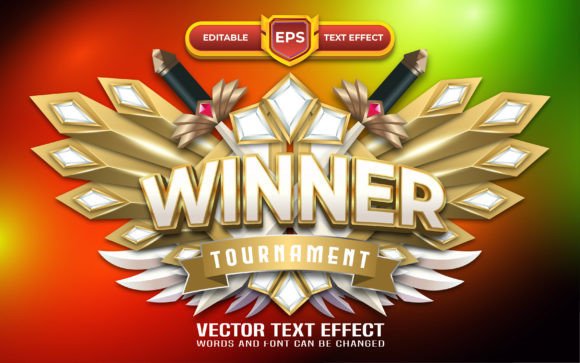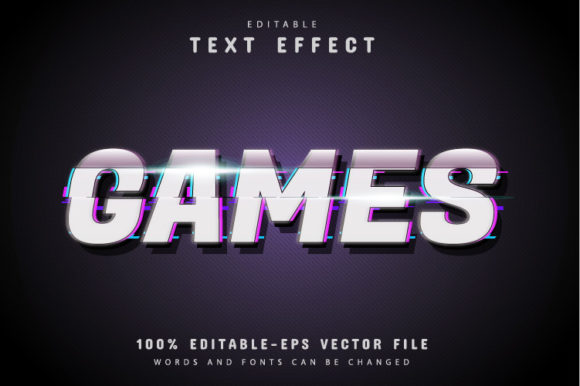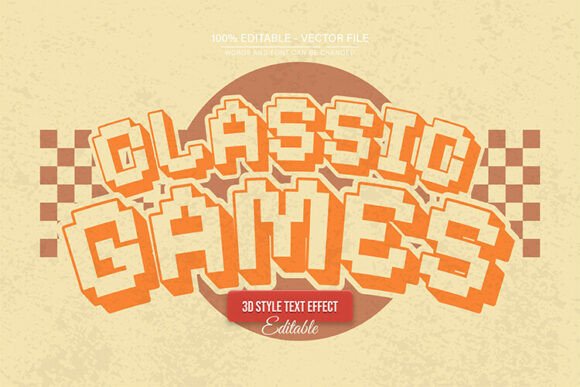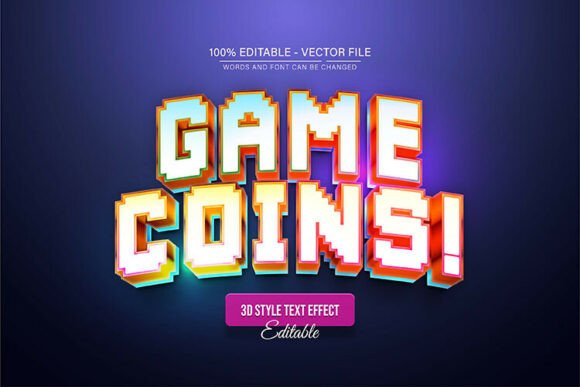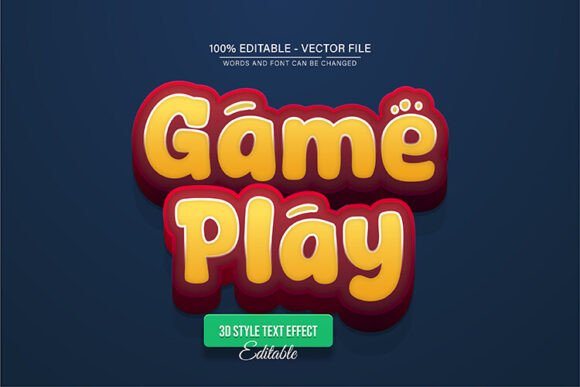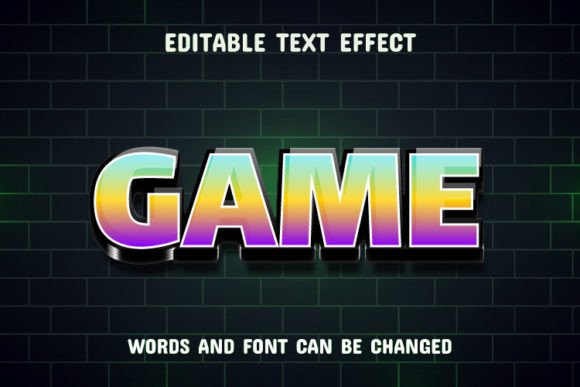
Game Text: Dynamic Gradient Text Effect
Imagine your words transforming into vibrant, multi-colored statements that seem to leap off the screen. The Game Text - Gradient Text Effect offers exactly that—a dynamic typeface where every letter is infused with a smooth, customizable gradient, giving your projects an instant visual upgrade that feels both modern and energetic.
This isn't just a static font; it's a creative tool designed for impact. The effect is applied directly as you type, allowing for 100% editable and unique results every time. Whether you're crafting a bold headline, designing a standout logo, or creating eye-catching social media graphics, this premium font provides a polished, professional aesthetic with minimal effort. It’s perfect for projects that demand attention and a contemporary edge.
Where Can This Creative Font Shine?
The versatility of a gradient text effect makes it a valuable asset across numerous design disciplines. Its bold, visual nature is particularly suited for projects where typography needs to be a central, expressive element. Consider using it for:
- Brand Identity & Logo Design: Create a memorable wordmark that feels modern and full of life, perfect for tech startups, gaming brands, or creative agencies.
- Poster & Packaging Design: Command attention on shelves or event posters with headlines that are inherently artistic and colorful.
- Social Media & Web Design: Stop the scroll with Instagram stories, YouTube thumbnails, or website hero sections that use dynamic typography to engage viewers immediately.
- Merchandise & Editorial Layouts: Elevate t-shirt designs, magazine covers, or digital product visuals with text that feels like a piece of graphic art.
Tips for Choosing and Using Your Font
While the visual appeal is clear, a few practical considerations will help you make the most of this design asset. First, always test readability, especially at smaller sizes or against complex backgrounds. The gradient should enhance, not hinder, the message. Second, think about mood alignment. This effect conveys energy, innovation, and playfulness, so it pairs exceptionally well with modern, forward-thinking projects.
Font pairing is another key to success. Because the Game Text effect is inherently bold, it often works best as a display or headline font. Pair it with a clean, simple sans-serif or serif body font to maintain balance and ensure your overall design remains legible and sophisticated. Finally, always review the file types included—such as the provided EPS files for full scalability and editing in Adobe Illustrator CC or higher—to ensure they fit your workflow and the specific needs of your project, whether for print or digital use.
Choosing the right typeface is a fundamental step in achieving visual consistency and building strong brand recognition. A well-designed font like this does more than just present words; it communicates personality and elevates the entire composition. By integrating a tool like the Game Text - Gradient Text Effect into your toolkit, you add a layer of creative flexibility that can help transform standard designs into compelling visual narratives, ensuring your work looks polished and professionally crafted.